AI Animation Platform
AI animation in dozens of art styles, directed scene by scene.
Turn your voice, script, photos, or existing video into animated video with recurring characters, then edit and re-render until it's exactly right.
Last updated: November 2026
How do you make short animated videos with AI?
With PIPPA, you start from a voice recording, a script, photos or an idea, and PIPPA turns it into a narrated animated video you can edit scene by scene.
- Start from what you have: record your voice, paste a script, upload photos or describe an idea.
- Pick a way to start: Create a Film, Create a Commercial, Freestyle, Create an Explainer, Create a Music Video or Website Animator.
- Choose an art style, from Watercolor to Claymation.
- PIPPA generates the scenes, characters, voiceover and music.
- Edit scene by scene: change a shot, rewrite a line or swap a voice, and re-render only what changed.
Is there an AI that can create explainer videos?
Yes. PIPPA's Create an Explainer format turns a script or an idea into a narrated, animated explainer video.
You can then edit each scene, change the art style, and reuse the same characters across a series of explainers. Paid plans download clean, with no watermark, and include a commercial license.
Can ChatGPT create animated videos?
A chat assistant is a good place to draft a script or story idea, and an animation tool like PIPPA is what turns that script into a finished animated video.
Paste the script into PIPPA, or record yourself reading it, pick a format and an art style, and PIPPA builds narrated, animated scenes you can edit one by one. What chat assistants can do on their own changes often, so check their own documentation for that.
What are the best AI animation tools?
The best AI animation tool is the one that fits the video you need to make, so start with the job, not a ranking.
Check how long the videos can be, whether you can edit individual scenes or only re-prompt, whether characters stay consistent from scene to scene, whether narration and music are included, and whether downloads are watermark-free with a commercial license.
PIPPA fits when you want narrated, multi-minute animated stories with recurring characters, dozens of art styles and scene-by-scene editing. It runs on the web and on iOS, paid plans include a commercial license, and you can cancel anytime.
Start from whatever you have.
A story idea, a script, a website, or footage you've already shot can all become animation.
Any art style. Same story.
Choose from dozens of animation styles, from watercolor to claymation. Same story, different look and feel.
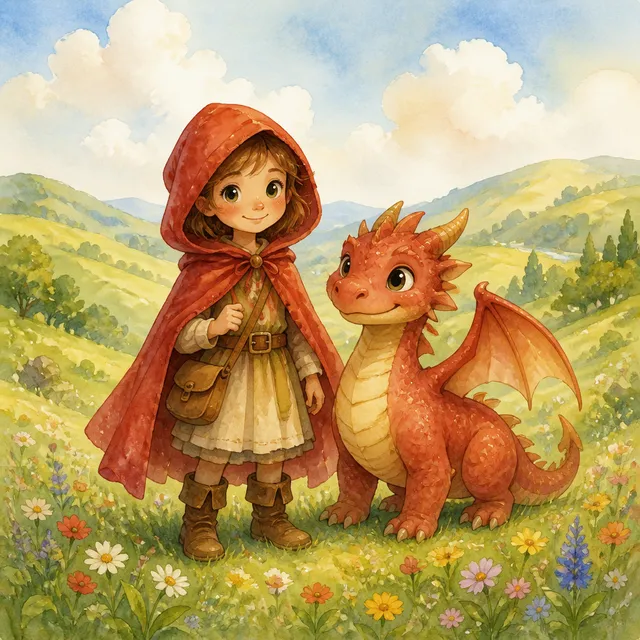
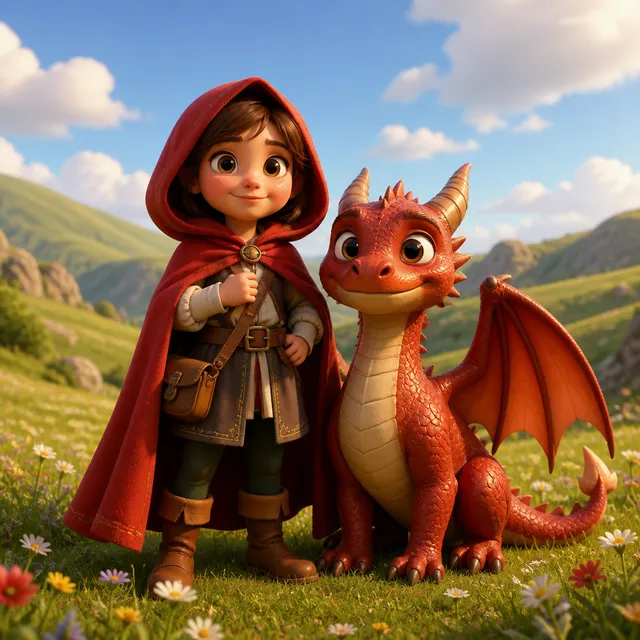
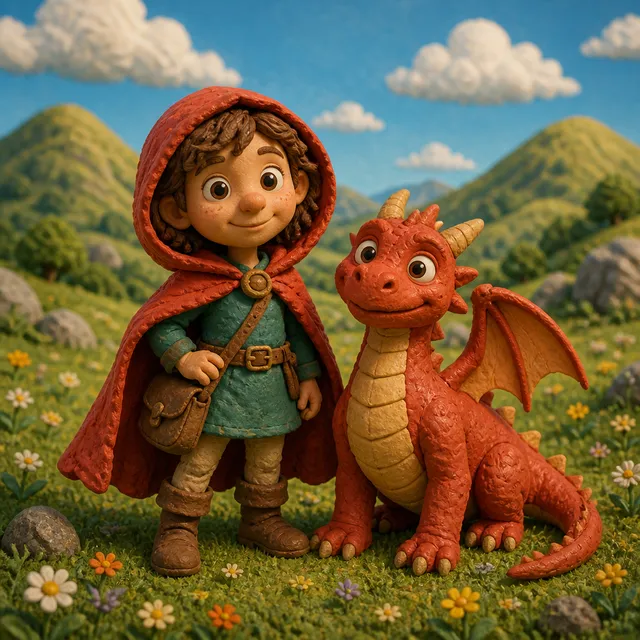
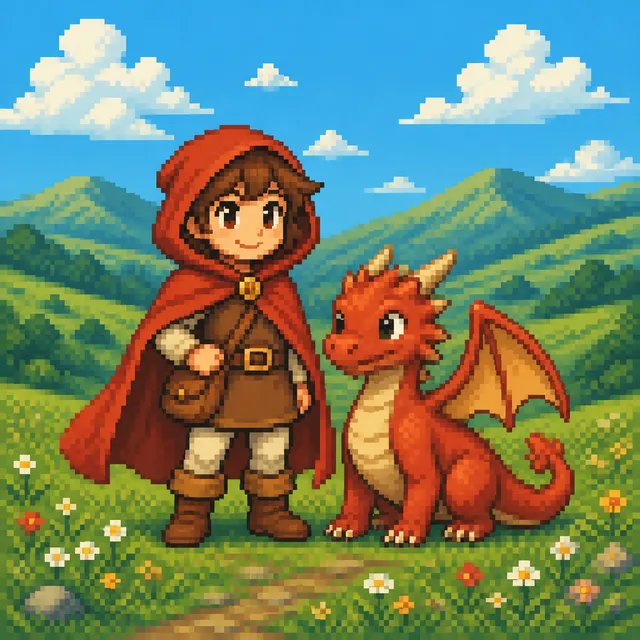
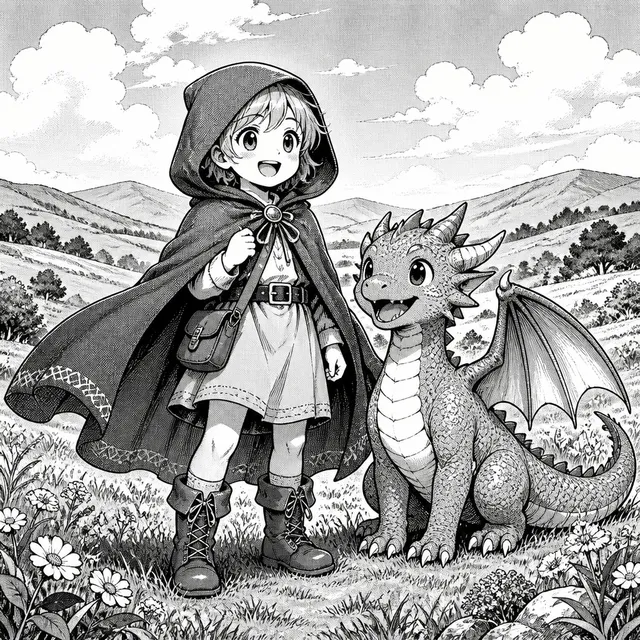
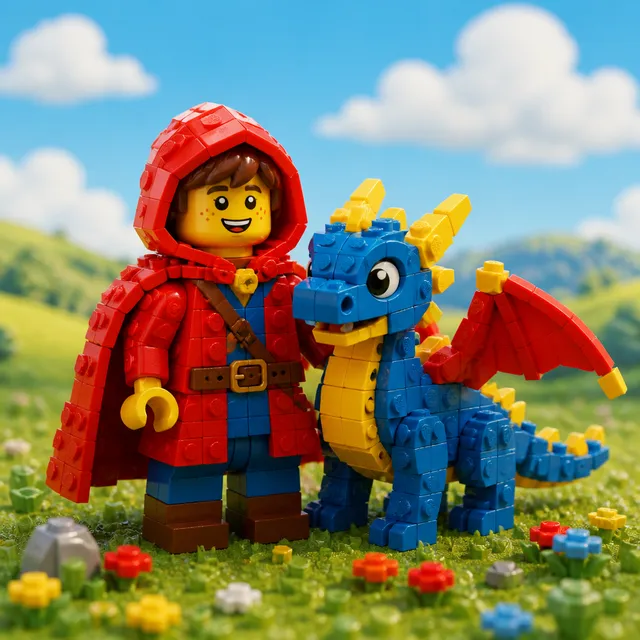
Your characters, your brand. PIPPA can use your images and video to bring any idea to life.
Simply upload your photos, videos, or brand assets and PIPPA takes care of the rest. If you don't have specific characters, that's ok too. PIPPA can create them for you.
Direct the animation, don't just prompt it.
Every generation is a starting point. Keep what works and change what doesn't.
Direct each scene
Change the shot, the framing, or the pacing, scene by scene.
Rewrite without restarting
Swap a line, a voice, or an entire script without starting over.
Re-render only what changed
Only the scenes you change get re-rendered, not the whole animation.
Studio quality production for as little as $3 per minute.
Traditional production can cost thousands of dollars and is hard to scale. PIPPA changes that. See how it works →
AI animation FAQ
Do I need animation experience to use PIPPA?
No. You provide the story by voice, script, or prompt, and PIPPA generates the animated scenes, characters, voiceover, and music.
What animation styles does PIPPA offer?
PIPPA offers dozens of art styles, including Watercolor, 3D Film, Claymation, Pixel, Manga Ink, and Brick. The same story can be told in a different look and feel.
Can I animate my own characters?
Yes. Upload your photos, videos, or brand assets and PIPPA can bring them into your animation. If you don't have specific characters, PIPPA can create them for you.
Can I turn existing video into animation?
Yes. PIPPA includes a Restyle a video format for giving your own footage a new look, along with Website Animator for turning a website into a short video.
Can I edit an animation after it's made?
Yes. You can edit scene by scene: rewrite dialogue, change camera angles, swap characters, rerecord audio, and re-render only what you change.
Can I use PIPPA animations commercially?
Paid plans include a commercial license so you can use your animations in marketing, your own lessons, social channels, and client work. Free-tier videos are for personal use.
Is PIPPA free to try?
Yes. A new free account gets 500 tokens and its first guided video on us, with no monthly refill, to make animations and watch them in the app. Downloading, exporting and publishing need a paid plan.
What devices does PIPPA work on?
PIPPA runs on the web at gopippa.ai and as an iOS app on the App Store. There is no Android app; on Android, use gopippa.ai in your browser.
Can I cancel anytime?
Yes. You can cancel anytime from your account settings, with no cancellation fees.
Making more than animation? See the full AI video production platform.